


What Cybersecurity Protections Do Nonprofits Actually Need?
If you are asking what cybersecurity protections nonprofits actually need, most organizations require 5–7 core controls to prevent the majority of cyber threats. For nonprofits with 10–25 employees, these protections typically cost $25–$75 per user per month as part of a managed IT support for nonprofits plan.
More importantly, effective nonprofit cybersecurity is not about complexity. Instead, it is about putting the right protections in place consistently to protect donor data, maintain trust, and reduce operational risk. If you are also evaluating your broader nonprofit IT strategy, visit our Managed IT Support for Nonprofits page.
Why Nonprofit Cybersecurity Matters More Than Ever
Nonprofits are increasingly targeted by cybercriminals. In many cases, attackers see nonprofit organizations as attractive targets because they store donor and financial information, rely heavily on email and cloud platforms, and often operate without dedicated internal security teams.
As a result, even one compromised email account or one successful phishing message can lead to data exposure, financial loss, operational disruption, and reputational damage. Because of that, cybersecurity is no longer optional. It is a core part of responsible nonprofit operations and governance.
Before diving into the specific protections, it helps to remember one thing: the goal is not to buy every tool on the market. The goal is to build a practical, layered foundation that fits your organization’s size, budget, and risk profile.
The 7 Cybersecurity Protections Nonprofits Actually Need
While there are countless security products available, most nonprofits only need a focused set of protections to reduce risk significantly. The seven protections below form a strong, realistic nonprofit cybersecurity foundation.
1) Email Security and Phishing Protection
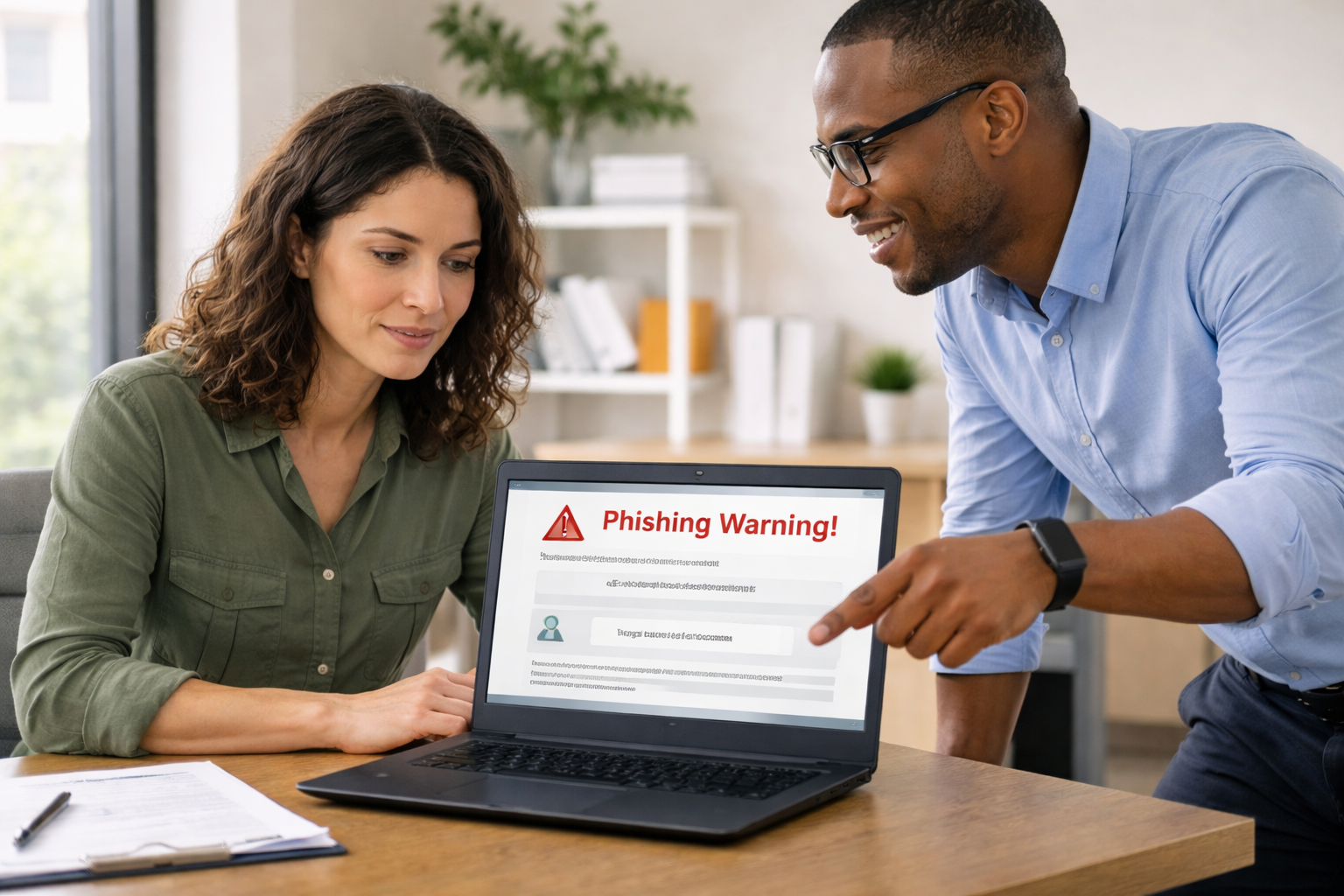
First, email remains the most common entry point for cyberattacks. For that reason, nonprofit email security should include spam filtering, phishing detection, and link and attachment scanning. These protections help stop threats before users ever click on them.
Without proper email security and phishing protection, one message can expose credentials, trigger malware, or create financial fraud. This is why phishing protection for nonprofits should always be one of the first controls implemented.
2) Multi-Factor Authentication (MFA)
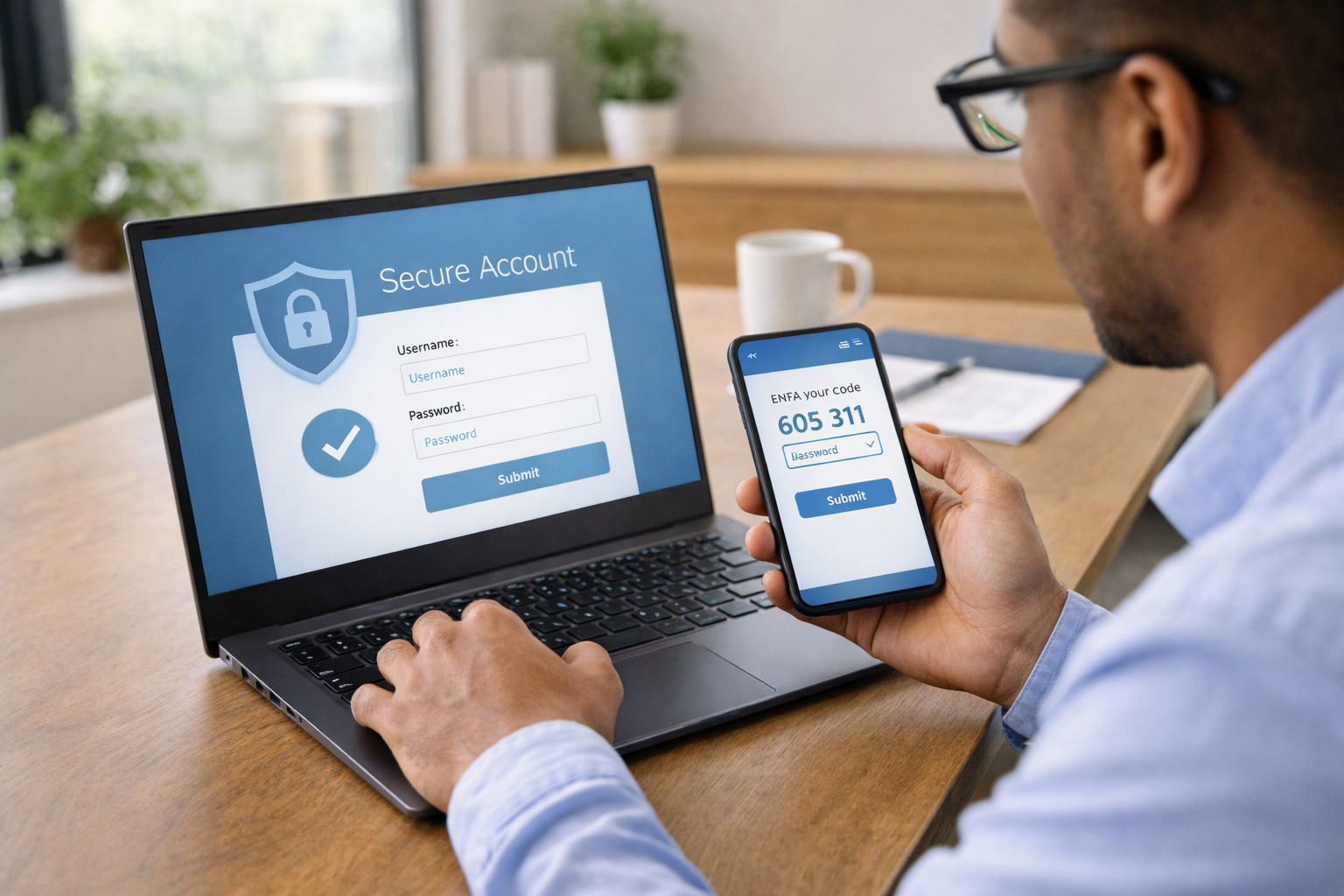
Next, multi-factor authentication for nonprofits is one of the most effective protections available. By requiring a second form of verification, MFA helps prevent unauthorized access even when passwords are stolen, guessed, or reused.
At a minimum, nonprofits should require MFA for email accounts, cloud applications, administrative accounts, and remote access tools. Although MFA is simple, it blocks a large percentage of account compromise attempts.
3) Endpoint Protection and Device Security
In addition, every device connected to your environment represents a potential point of risk. Endpoint protection helps secure laptops, desktops, and mobile devices against malware, suspicious activity, and unsafe behavior.
This matters even more for nonprofits with hybrid or remote teams. Devices outside the office still need monitoring, secure configuration, and ongoing updates if they are accessing email, donor systems, or shared files.
4) Patch Management and System Updates
At the same time, outdated software remains one of the easiest ways for attackers to gain access. Patch management ensures that operating systems, applications, browsers, and security tools stay current and protected against known vulnerabilities.
Automated updates and routine review reduce risk substantially over time. For many nonprofit organizations, this is one of the least visible protections—but also one of the most important.
5) Secure Backups and Disaster Recovery
Even with strong security controls, incidents can still happen. That is why secure backups and disaster recovery planning are essential. Nonprofits should maintain encrypted backups, store copies separately from production systems, and test recovery regularly.
Backups are your last line of defense against ransomware, accidental deletion, and system failure. Without them, a nonprofit may face extended downtime and permanent data loss.
6) User Security Awareness Training
Technology alone cannot stop every threat. Because many successful attacks depend on human error, nonprofits should invest in recurring security awareness training, phishing simulations, and clear reporting procedures.
When staff members know how to spot suspicious behavior and what to do next, the organization becomes much harder to exploit. Over time, training lowers the success rate of common attacks.
7) Ongoing Monitoring and Threat Response
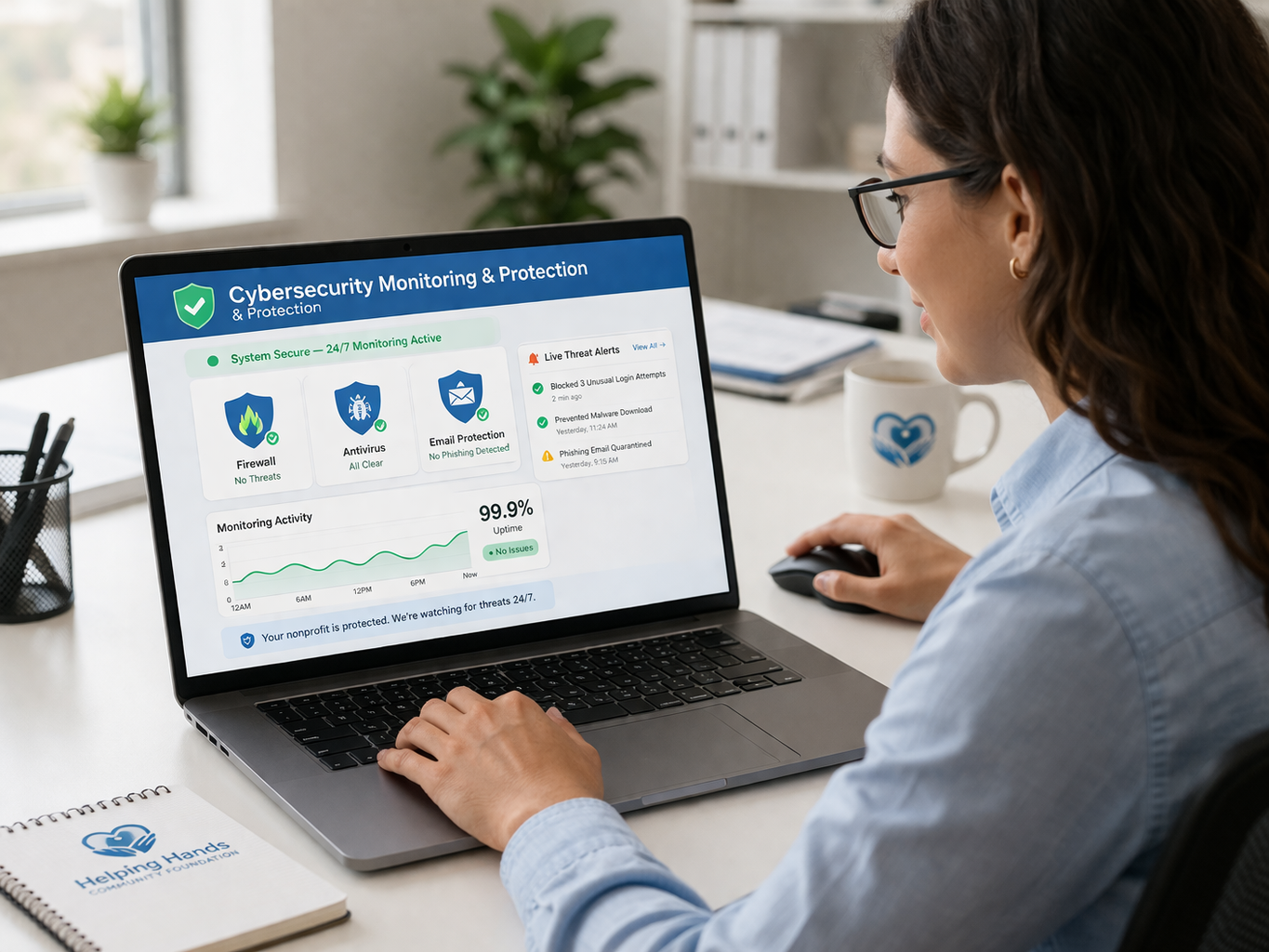
Finally, tools only help if someone is actually watching them. Nonprofit cybersecurity monitoring provides visibility into threats, unusual behavior, failed login attempts, and device health so that issues can be addressed quickly.
With proper monitoring and response processes in place, nonprofits can detect threats sooner, contain incidents faster, and improve their overall resilience. This is also one of the areas where managed IT support for nonprofits often delivers the greatest value.
How These Protections Work Together
Individually, each protection reduces risk. Together, they create a layered defense that is much stronger than any single tool alone.
- Email security helps block malicious messages before users interact with them.
- MFA reduces the impact of stolen passwords.
- Endpoint protection helps stop malware on user devices.
- Patch management closes known vulnerabilities.
- Backups support recovery when something goes wrong.
- Training helps users make safer decisions.
- Monitoring improves visibility and response speed.
That combination is what makes nonprofit cybersecurity practical and effective. It is not about perfection. It is about reducing risk in a way that leadership, staff, and boards can sustain.
Real-World Example: Improving Security Without Adding Complexity
A small nonprofit was dealing with repeated phishing attempts targeting finance staff. At first, protections were limited, and leadership was concerned about both donor data and payment fraud.
After implementing MFA, email filtering, and security awareness training, the organization saw a 70% reduction in successful phishing attempts, avoided account compromise, and gained more confidence at the leadership level. Best of all, risk went down without making everyday technology harder to use.
Where Many Nonprofits Go Wrong
Despite good intentions, many organizations struggle with nonprofit cybersecurity because they rely on default settings, underuse the tools they already own, or skip ongoing monitoring. Others assume that cybersecurity is something they will address later—usually after a scare or an incident.
Just as importantly, many nonprofits fail to take advantage of discounted or donated technology opportunities through TechSoup, the Microsoft for Nonprofits program, and Google for Nonprofits. Those programs can help nonprofits access stronger security tools without overspending.
If you are also evaluating budget and planning, see our related article on how much nonprofits should budget for IT support.
How Nonprofits Should Approach Cybersecurity
Instead of chasing every new product, nonprofit leaders should focus on a few practical priorities:
- Implement core protections consistently.
- Leverage nonprofit technology discounts where possible.
- Balance security with usability for staff.
- Make sure leadership understands current risks.
- Review and improve protections over time.
That approach keeps cybersecurity manageable, affordable, and aligned with the mission. It also creates a stronger foundation for board-level oversight and future growth.
Final Takeaway

Most nonprofits do not need dozens of security products. Instead, they need the right 5–7 protections implemented properly and maintained consistently. When nonprofits focus on email security, MFA, endpoint protection, patching, backups, training, and monitoring, they can reduce risk dramatically while staying within budget.
If your board is also thinking about governance and oversight, you may want to read our related article on IT risks nonprofit boards should be aware of.
Assess Your Nonprofit’s Cybersecurity Risk
If you are not sure whether your nonprofit has the right protections in place, that uncertainty is worth addressing now—not after a phishing incident, account compromise, or backup failure.
We help nonprofit organizations identify cybersecurity gaps, prioritize practical next steps, and strengthen protection without unnecessary complexity or overspending. The goal is simple: help your team stay secure, productive, and confident.
Need a clearer picture first? Start with our nonprofit IT support page and see how we help organizations protect donor data, reduce risk, and create board-ready clarity.
Frequently Asked Questions About Nonprofit Cybersecurity
What is the most important cybersecurity protection for nonprofits?
Multi-factor authentication is one of the most effective protections because it helps stop unauthorized access even when passwords are stolen or guessed.
Do nonprofits need enterprise-level cybersecurity tools?
Not always. Most nonprofits benefit more from a practical, layered set of core protections than from overly complex tools that are expensive or difficult to manage.
How much should nonprofits spend on cybersecurity?
Many nonprofits spend between $25 and $75 per user per month on cybersecurity as part of a broader managed IT support plan. Actual costs depend on risk, compliance needs, and support expectations.
Can nonprofits get discounted cybersecurity tools?
Yes. Programs such as TechSoup, Microsoft for Nonprofits, and Google for Nonprofits can help eligible organizations access discounted or donated software and security tools.
What happens if a nonprofit does not have backups?
Without secure backups, a nonprofit may face prolonged downtime, permanent data loss, financial disruption, and reputational harm after a ransomware attack or other incident.
Related resources and next reads
- Managed IT Support for Nonprofits
- How much nonprofits should budget for IT support
- IT risks nonprofit boards should be aware of
- TechSoup
- Microsoft for Nonprofits
- Google for Nonprofits